Installing Ubuntu 22.04
Introduction
The graphical interface makes installing Ubuntu easier. It is not as difficult as it may seem at first glance.
Download
List of official repositories
launchpad.net
You can download Ubuntu Desktop from the website
ubuntu.com/download
If you need a server rather than a desktop -
ubuntu.com/download/server

Installing Ubuntu

Installing Ubuntu
The next step depends on which OS you have installed and where you want to install Ubuntu
If you are installing to
VirtualBox
- just specify the path to the image
If you are on
Windows
- write the image to a flash drive using
UltraISO
When the flash drive with the image is ready:
Insert it into a USB port. Reboot the computer. Enter the BIOS. Go to the Boot section. Set the boot from the flash drive
as option number one. Install following the instructions:
Installation
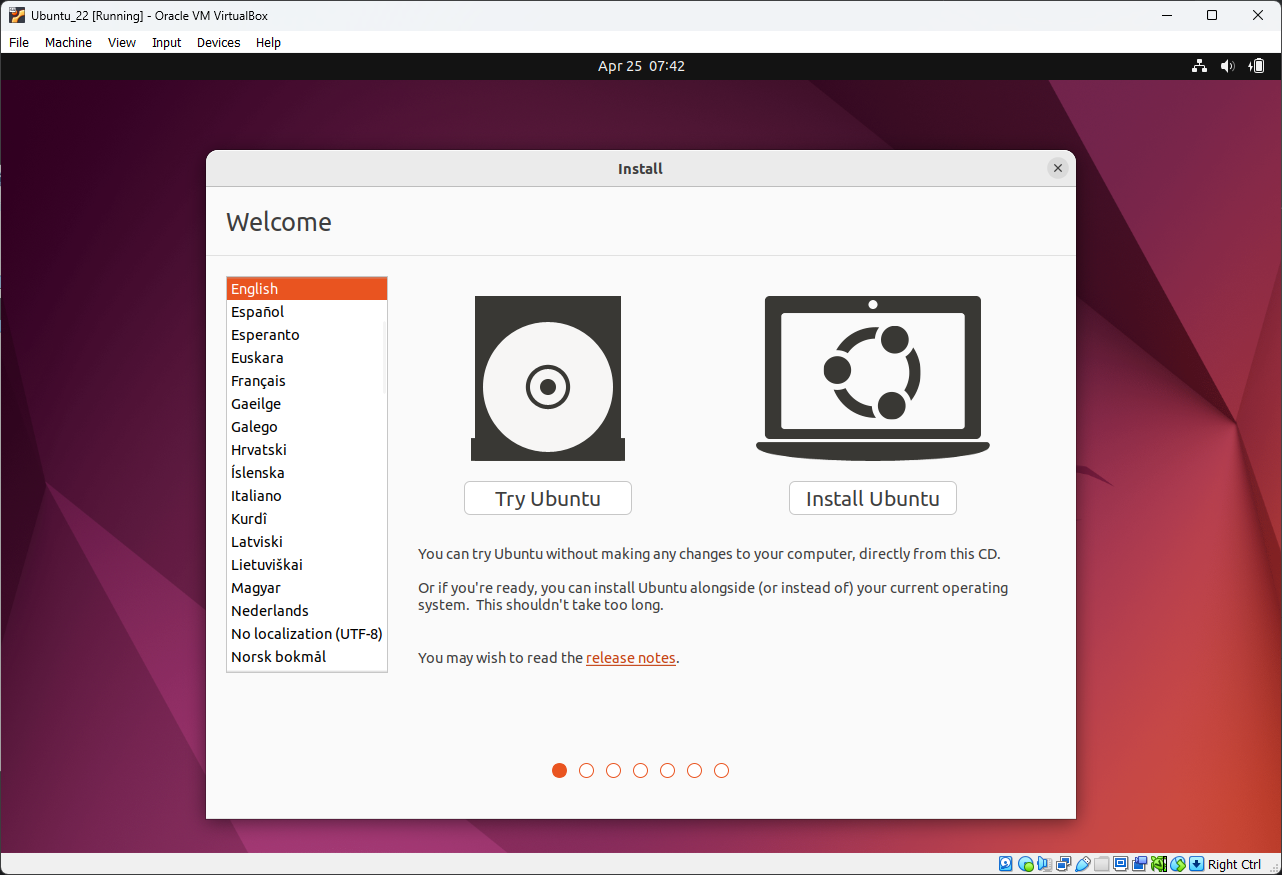
Select Install Ubuntu
https://aredel.com
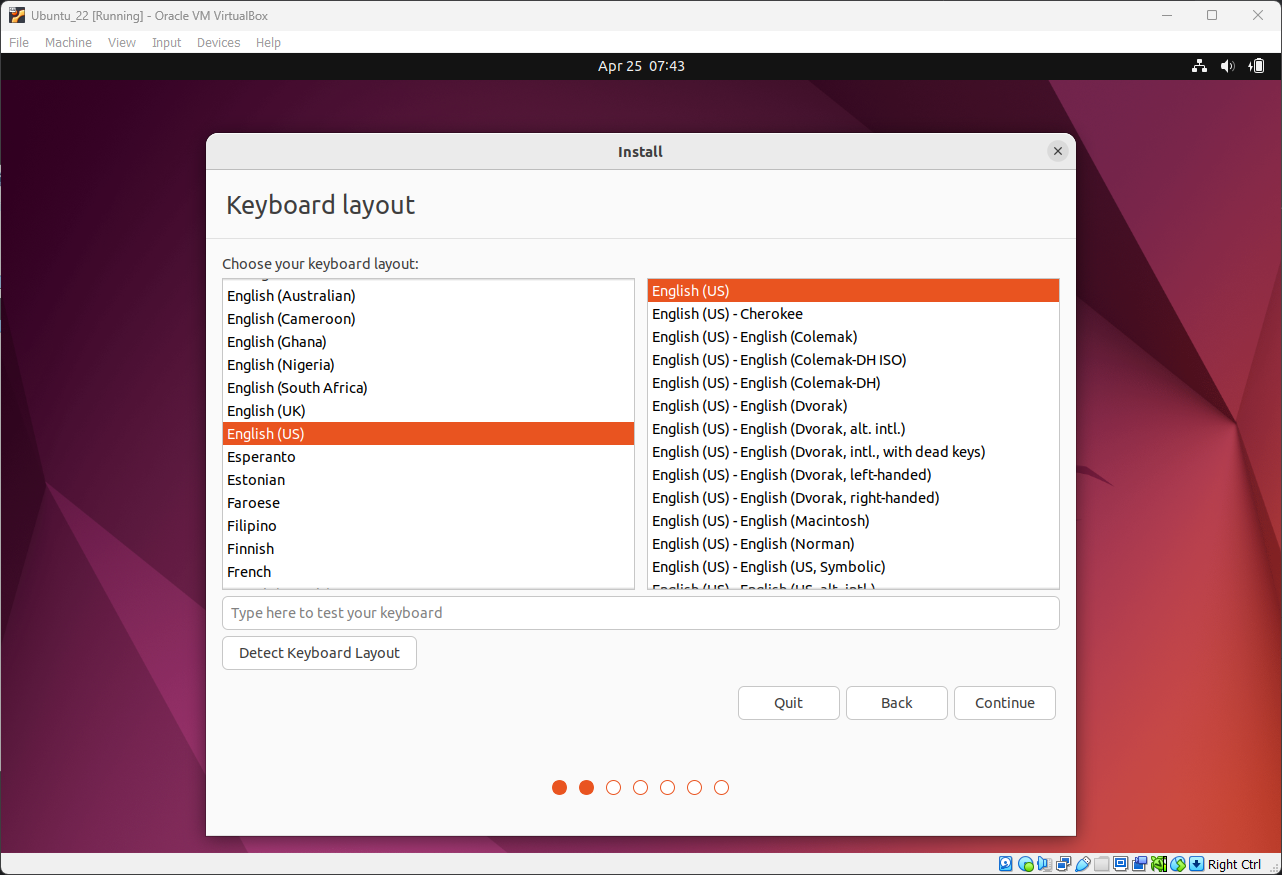
Select the language
https://aredel.com
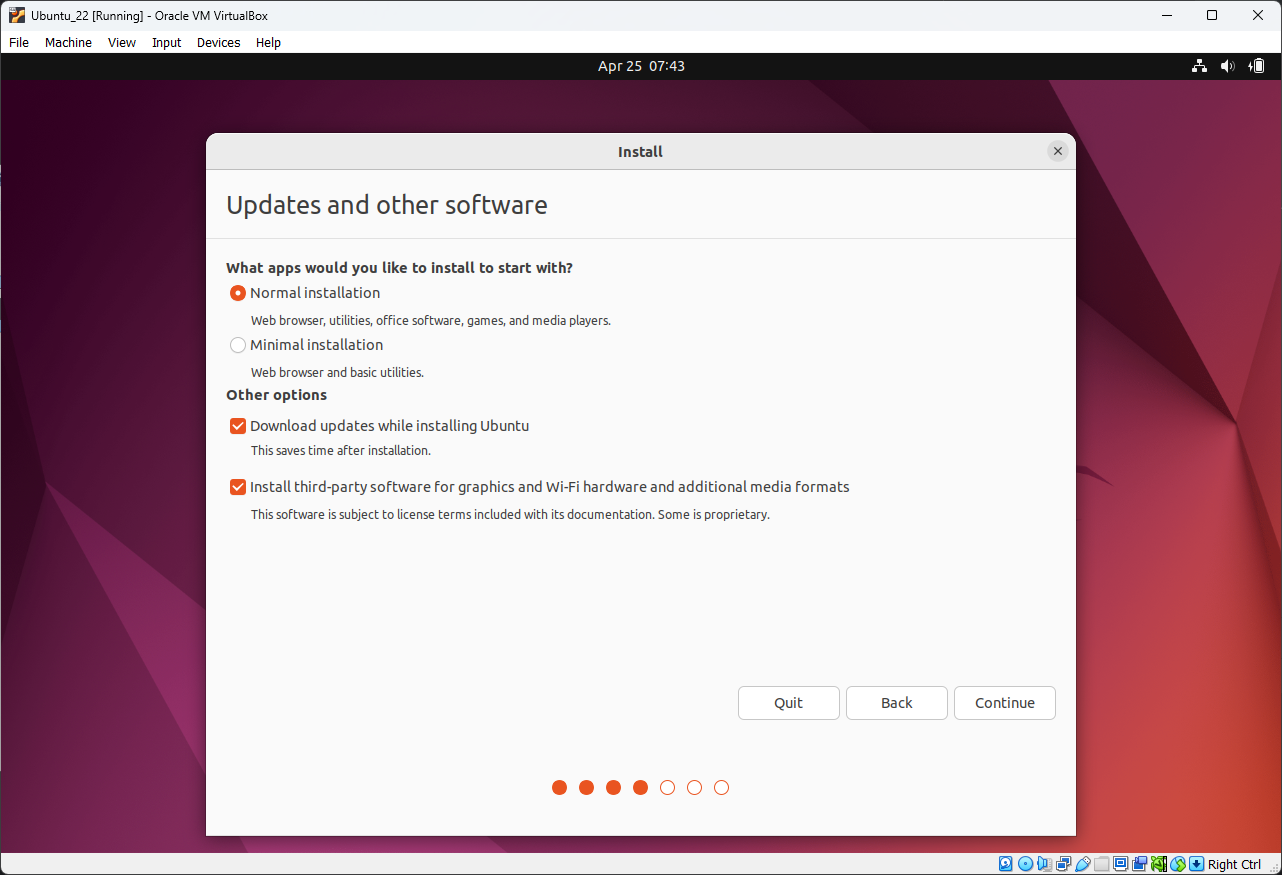
Select Normal Installation
https://aredel.com
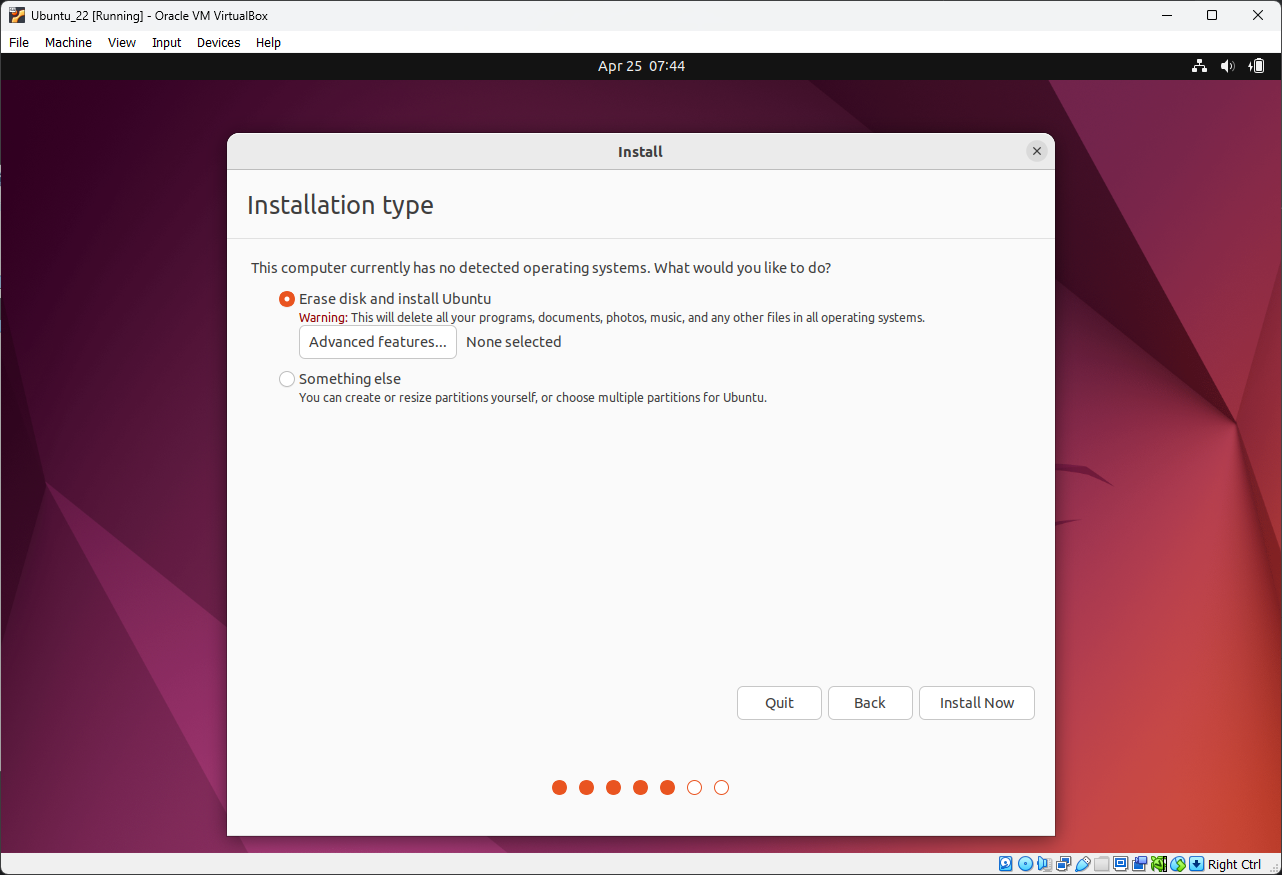
Select Erase disk and install Ubuntu
https://aredel.com
Select Continue
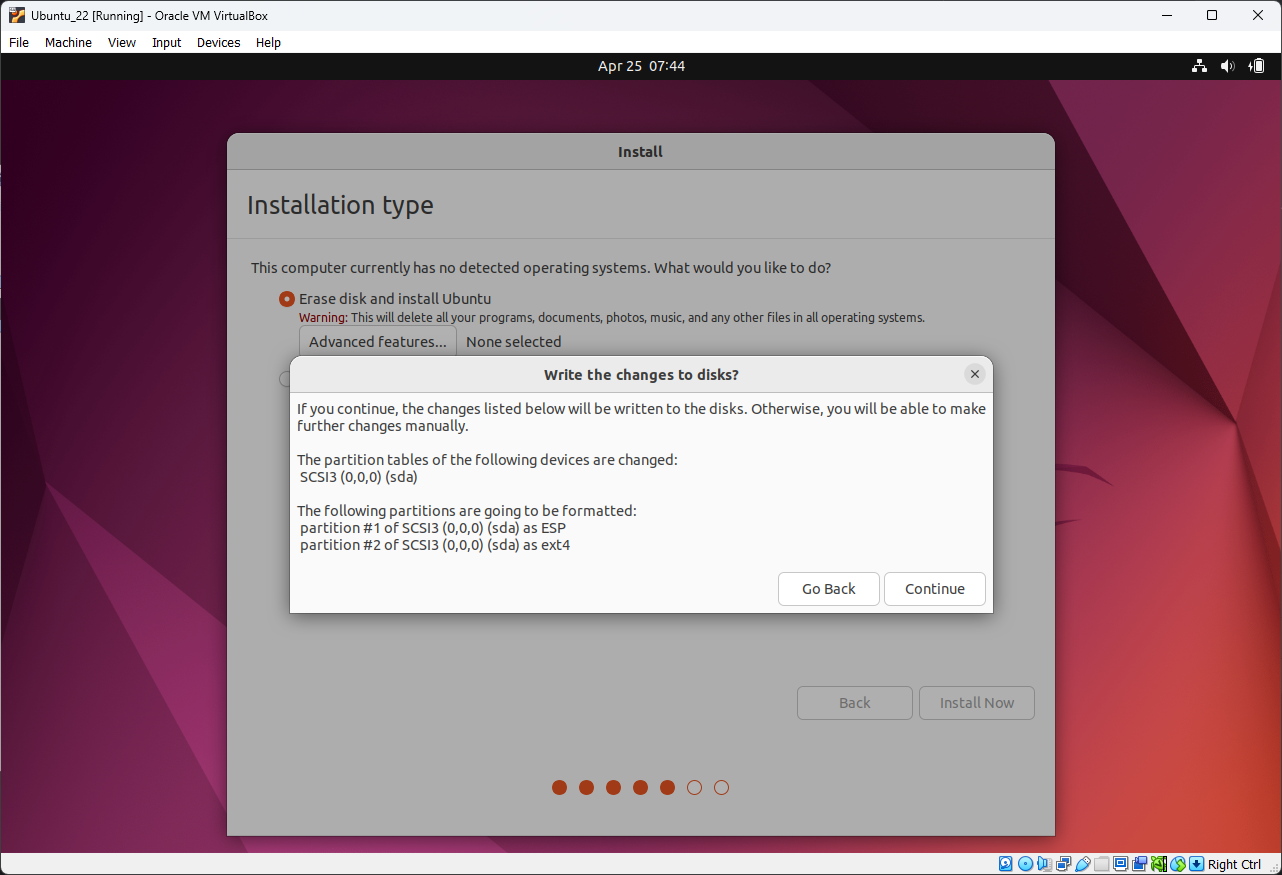
https://aredel.com
Select your time zone

https://aredel.com
Set a password

https://aredel.com
Wait for the files to finish copying
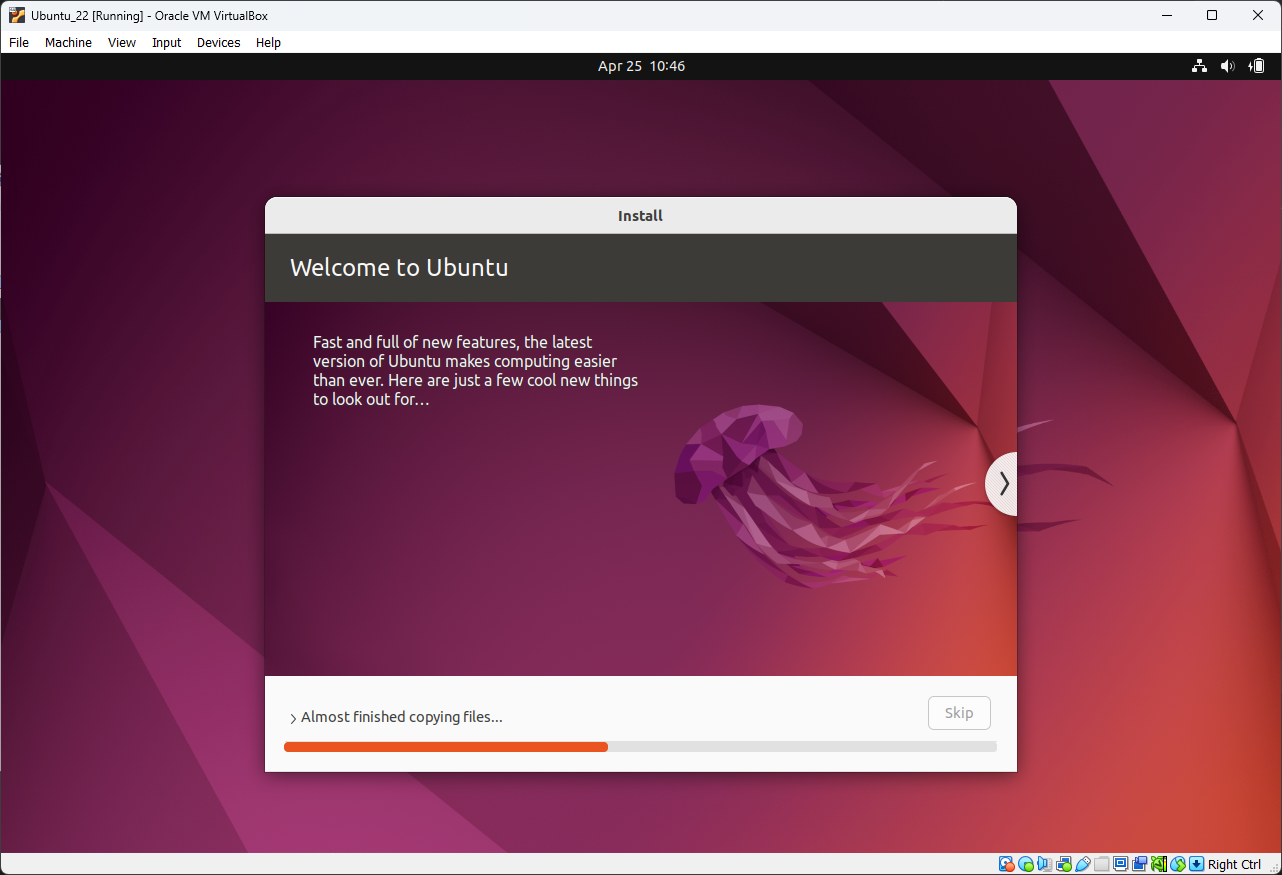
https://aredel.com
Wait for the installation to finish

https://aredel.com
Post-installation setup
If the network is available I run
sudo apt -y update
sudo apt -y upgrade
sudo apt -y install vim curl wget net-tools tree make
sudo apt -y update
Hit:1 http://fi.archive.ubuntu.com/ubuntu focal InRelease Get:2 http://fi.archive.ubuntu.com/ubuntu focal-updates InRelease [114 kB] Get:3 http://fi.archive.ubuntu.com/ubuntu focal-backports InRelease [101 kB] Get:4 http://fi.archive.ubuntu.com/ubuntu focal-updates/main amd64 Packages [1 175 kB] Get:5 http://security.ubuntu.com/ubuntu focal-security InRelease [114 kB] Get:6 http://fi.archive.ubuntu.com/ubuntu focal-updates/main i386 Packages [527 kB] Get:7 http://fi.archive.ubuntu.com/ubuntu focal-updates/main amd64 DEP-11 Metadata [282 kB] Get:8 http://fi.archive.ubuntu.com/ubuntu focal-updates/universe amd64 Packages [853 kB] Get:9 http://fi.archive.ubuntu.com/ubuntu focal-updates/universe i386 Packages [631 kB] Get:10 http://fi.archive.ubuntu.com/ubuntu focal-updates/universe amd64 DEP-11 Metadata [351 kB] Get:11 http://fi.archive.ubuntu.com/ubuntu focal-updates/multiverse amd64 DEP-11 Metadata [940 B] Get:12 http://fi.archive.ubuntu.com/ubuntu focal-backports/universe amd64 DEP-11 Metadata [10,3 kB] Get:13 http://security.ubuntu.com/ubuntu focal-security/main amd64 DEP-11 Metadata [27,6 kB] Get:14 http://security.ubuntu.com/ubuntu focal-security/universe amd64 DEP-11 Metadata [61,0 kB] Get:15 http://security.ubuntu.com/ubuntu focal-security/multiverse amd64 DEP-11 Metadata [2 464 B] Fetched 4 250 kB in 2s (2 557 kB/s) Reading package lists... Done Building dependency tree Reading state information... Done 2 packages can be upgraded. Run 'apt list --upgradable' to see them.
Then you can inspect the network interfaces
ip a
And move on to network configuration
Article author: Andrei Olegovich