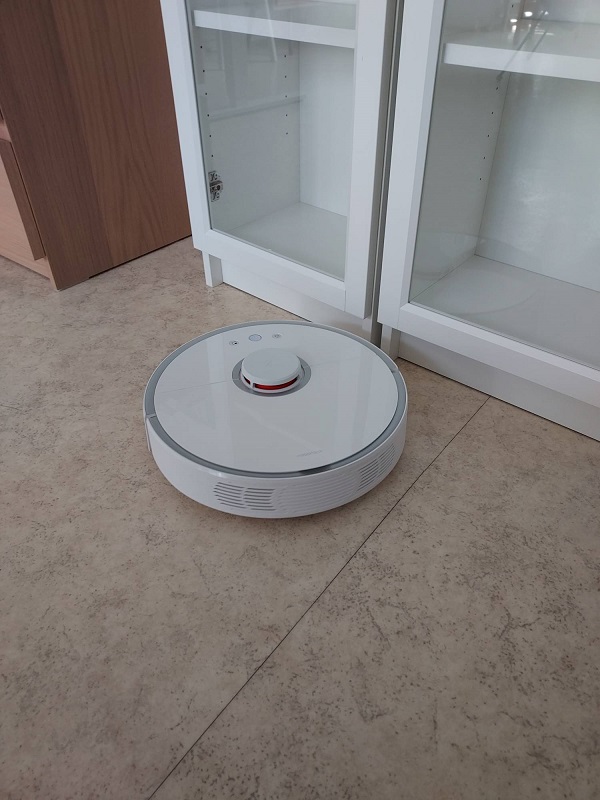
Connecting Xiaomi Roborock S5 to Wi-Fi
caption_copy
If your Wi-Fi network has changed and you are connecting your Roborock S5 to it,
you need to do this by adding a new device rather than reconfiguring the old one.
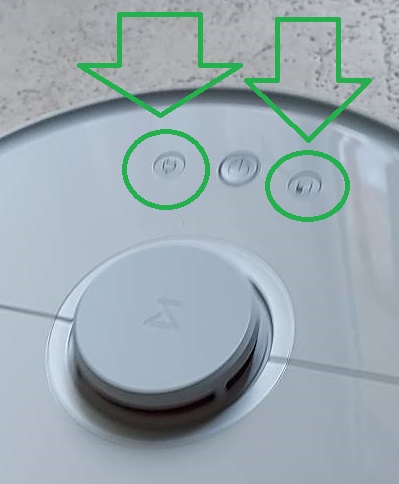
Reset the old Wi-Fi by holding down the left and right buttons
caption_copy
Open the Mi Home app,
turn on BlueTouth and connect the phone to the same network to which you are going
to connect the vacuum cleaner.
Add a new device - select Roborock S5 from the list. It may be quite far down the list
Follow the instructions in the app.
caption_copy
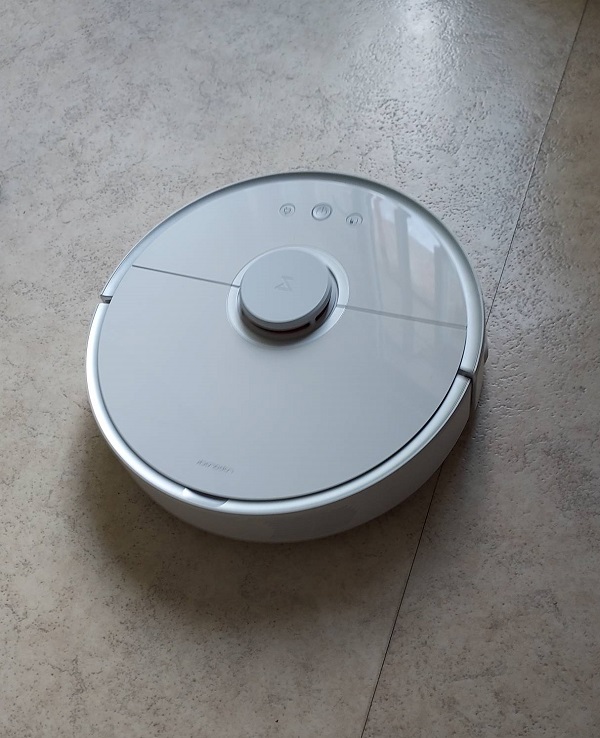
The Roborock S5 is no longer the newest model of robot vacuum cleaners from Xiaomi
Explore the new models on
the official Xiaomi website


P.S. if your app finds new devices by itself even when the old ones exist - you are lucky.
Article author: Andrei Olegovich
