Locust in PyCharm
Introduction
Let us see how to install extra modules and libraries in PyCharm using locust as an example
Open the project settings by pressing
CTRL + ALT + S

Select Project Interpreter
Click the plus on the right side of the screen

An Available Packages window should appear
Type the name of the module you need into the search box. In our case it is locust
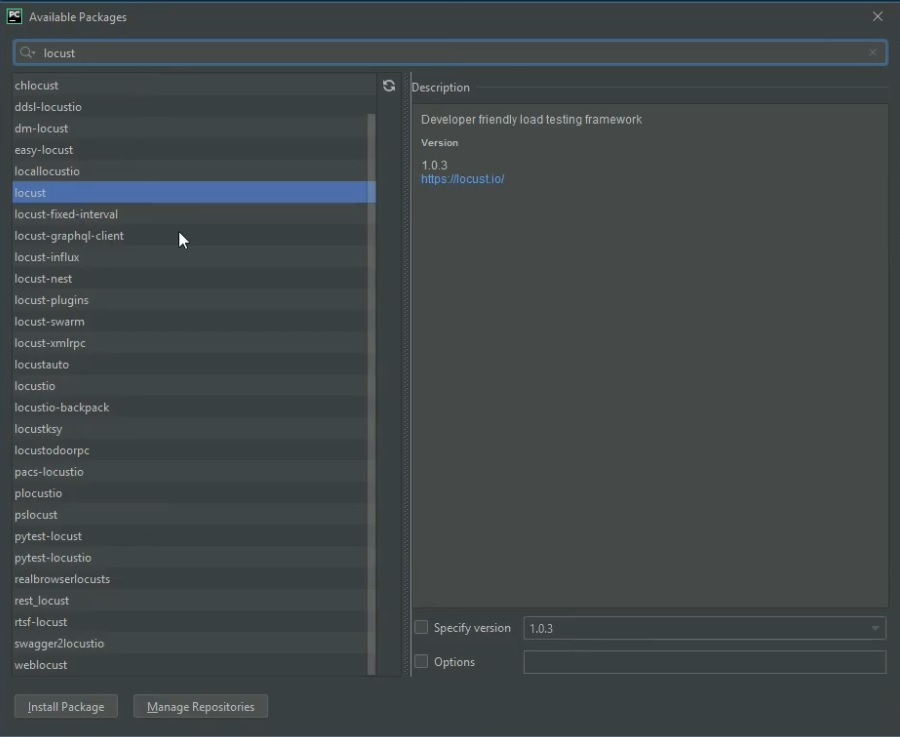
Click Install Package
You may Specify Version, but you do not have to
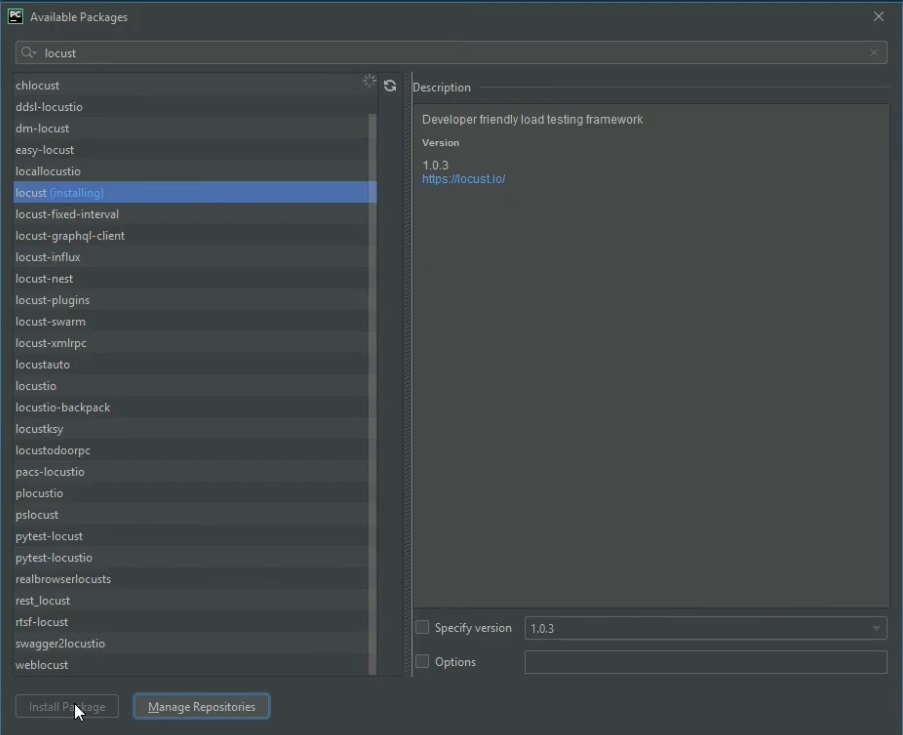
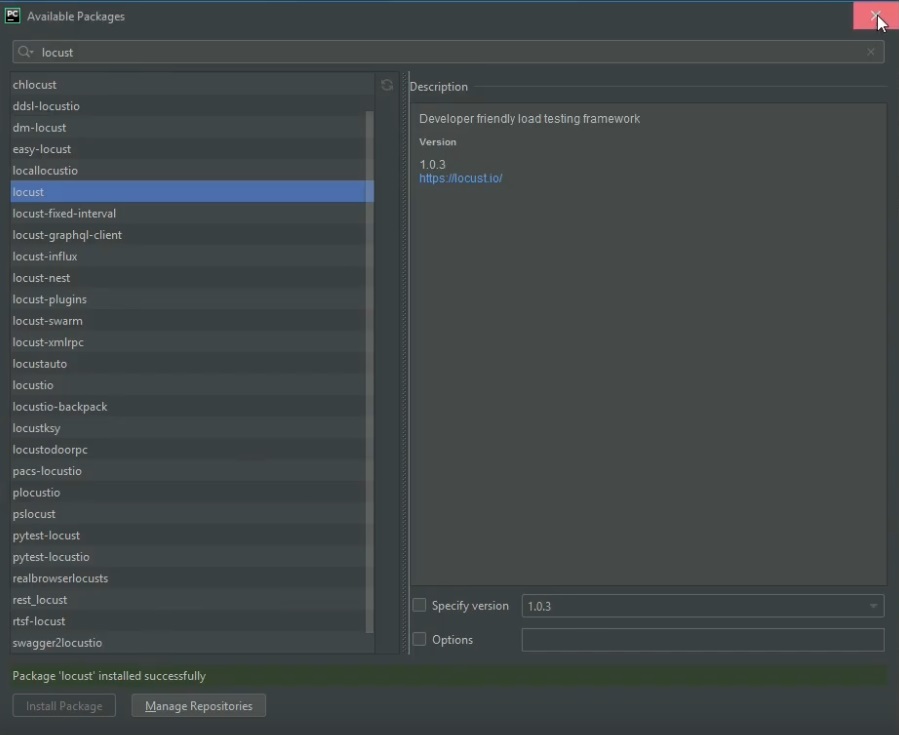
Wait for the installation to finish
Article author: Andrei Olegovich